

Interactive Panel Installation Guide: Everything You Need to Know
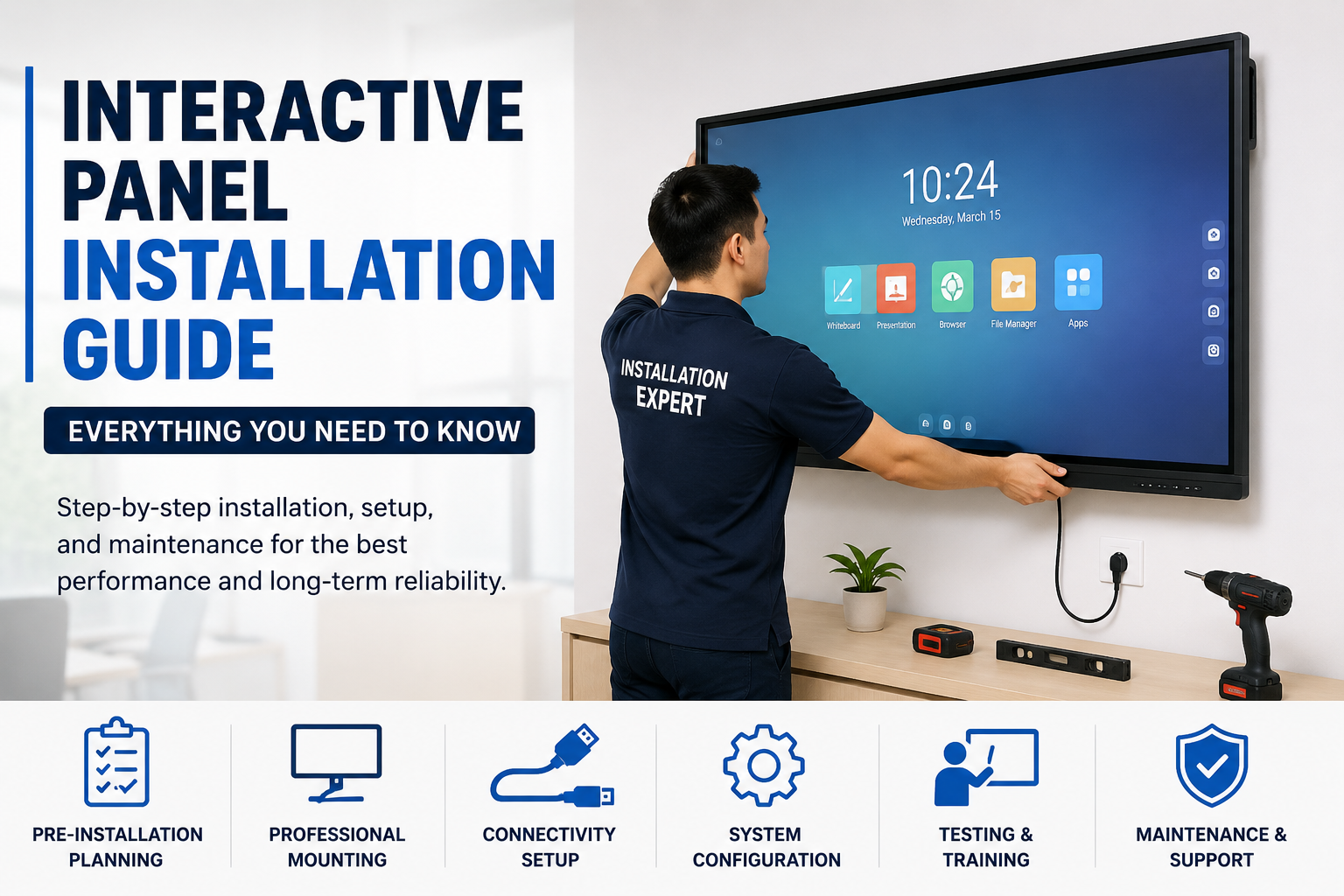
Interactive Panel Installation Made Easy: Step-by-Step Guide
Interactive panels have become an essential tool for modern classrooms, corporate meeting rooms, training centers, and collaborative workspaces. These advanced displays combine touch-screen technology, digital whiteboarding, and seamless connectivity to create engaging and productive environments.
However, proper installation is crucial to ensure optimal performance, user safety, and long-term reliability. In this guide, we'll walk you through everything you need to know about interactive panel installation.
What Is an Interactive Panel?
An interactive panel is a large touch-enabled display that allows users to write, draw, annotate, and collaborate directly on the screen. Unlike traditional projectors, interactive panels provide superior image quality, multi-touch functionality, and built-in software for presentations and collaboration.
Benefits of Professional Interactive Panel Installation
Professional installation offers several advantages:
Enhanced User Experience
Proper placement ensures comfortable viewing and easy access for users.
Improved Safety
Secure mounting prevents accidental falls and damage.
Optimal Connectivity
Professional installers configure all required connections, including Wi-Fi, LAN, HDMI, USB, and audio systems.
Long-Term Reliability
Correct installation reduces maintenance issues and extends equipment lifespan.
Pre-Installation Planning
Before installing an interactive panel, consider room size, viewing distance, wall strength, and power availability. Proper planning helps ensure a smooth installation process and optimal performance.
Choosing the Right Mounting Option
Wall Mount Installation
Wall mounting saves floor space provides a clean appearance, and enhances stability.
Mobile Stand Installation
Mobile stands offer flexibility, adjustable height, and easy movement between rooms.
Interactive Panel Installation Process
Step 1: Site Assessment
Technicians evaluate the mounting location, power requirements, network connectivity, and user accessibility.
Step 2: Mounting the Bracket
The wall bracket is securely fixed using heavy-duty anchors and mounting hardware.
Step 3: Installing the Interactive Panel
The panel is carefully lifted and secured onto the mounting system.
Step 4: Cable Management
All cables are organized neatly to maintain safety and a professional appearance.
Step 5: System Configuration
Installers configure Wi-Fi settings, network access, touch calibration, software updates, and user accounts.
Step 6: Testing and Training
The installation team verifies functionality and provides basic user training.
Connectivity Requirements
Modern interactive panels support HDMI, USB, LAN, Wi-Fi, and Bluetooth connectivity, making collaboration and content sharing easier than ever.
Common Installation Challenges
Challenges may include weak wall structures, cable routing issues, network connectivity problems, and improper height placement. Professional installers can address these issues effectively.
Maintenance Tips
To maximize the lifespan of your interactive panel:
Clean the screen regularly using approved materials.
Keep software updated.
Check cable connections periodically.
Avoid exposure to direct sunlight.
Schedule annual inspections.
Why Choose Professional Installation Services?
Professional installation ensures correct mounting, secure wiring, proper configuration, warranty compliance, and faster deployment. Expert technicians can also recommend the best setup for your environment.
Future Trends in Interactive Panel Technology
Interactive panel technology continues to evolve with cloud-based collaboration tools, AI-powered features, wireless screen sharing, and enhanced touch responsiveness. These innovations improve productivity and collaboration in classrooms and workplaces.
As organizations adopt hybrid learning and remote collaboration models, interactive panels are becoming increasingly important for communication and engagement. Investing in professional installation helps maximize the value of these advanced solutions.
How Interactive Panels Improve Learning and Collaboration
Interactive panels have transformed the way people communicate, learn, and collaborate. In educational institutions, teachers can create engaging lessons using videos, digital whiteboards, and interactive content that encourages student participation. Students can interact directly with the display, making lessons more dynamic and effective.
In business environments, interactive panels support productive meetings by enabling real-time presentations, brainstorming sessions, and document sharing. Team members can collaborate more efficiently, whether they are in the same room or joining remotely through video conferencing platforms.
Interactive panels also help reduce the need for multiple devices by combining presentation tools, whiteboards, and collaboration software into a single solution. This improves efficiency while creating a more organized and professional workspace. As digital transformation continues across industries, interactive panels are becoming an essential investment for organizations seeking better communication, collaboration, and productivity.
Conclusion
Interactive panels are revolutionizing the way people learn, collaborate, and communicate. Whether you're installing a panel in a classroom, boardroom, or training center, proper installation is critical to achieving the best performance and user experience.
By planning carefully, choosing the right mounting option, and working with professional installers, you can ensure your interactive panel delivers maximum value for years to come.
Need professional help?
Book a free site survey from our certified engineers — no cost, no obligation.
Book Free Survey